
How to Write a Book Blurb: Back Cover Copy and Amazon Description, With Template
A book blurb is the short text on the back cover, and on a book's sales page, that introduces the story without giving away the ending, so that someone browsing wants to open it. At a traditional publisher an editor or copywriter usually writes it. If you self-publish, it's your job.
This guide covers what goes on the back cover, the five parts of a blurb, how long it should be, how to adapt it into an Amazon book description, a template to copy, and a worked example.
At a glance
- A blurb introduces the main character, the situation and what's at stake, and keeps the ending to itself.
- It usually moves through five parts: hook, setup, stakes, tone, question.
- On the back cover, aim for 100 to 200 words. KDP suggests a paragraph of about 150 words for the Amazon description.
- Start from your synopsis and stop before the turning point.
Blurb, back cover copy or endorsement?
In everyday use, "blurb" means the summary on the back of a book. In publishing, people often call that back cover copy or jacket copy and use "blurb" for the short words of praise from other authors, like “Unputdownable.” This guide is about the summary. Both can appear on the same cover.
What goes on the back cover
The summary takes up most of the space, but it shares the back cover with other things.
| Element | What it is | Needed? |
|---|---|---|
| Summary | The hook and the story setup | Yes, it's the main text |
| Tagline | One standout line above the summary | Optional |
| Endorsements | Short praise from authors or reviewers | Optional. Only with permission |
| Author bio and photo | A few lines about you | Optional. Often on the inside flap of a hardcover |
| Publisher or imprint logo | The publishing brand | Depends on the publisher |
| Price, ISBN and barcode | What a bookstore needs to sell it | Required for retail sale |
If you self-publish in print, your printer's cover template sets where the barcode goes. Check it before you write, because it decides how much room is left for the text.
Blurb vs synopsis
A synopsis is for an agent or editor. It tells the whole story, ending included. A blurb is for a reader in a bookstore or on a sales page. It stops where the story turns and leaves a question open.
They can start from the same material. If you've written a synopsis, take its setup and the start of the middle, remove the turning point and the ending, and rewrite what's left in the present tense, in the voice of the book.
How to write a blurb: the five parts
- Hook. A first line that stops the eye: a line of dialogue, an absurd situation, a contrast. Claire North, writing for her publisher Hachette, calls this the tag line.
- Setup. Who the main character is, where and when the story happens, and what they want. Two or three sentences.
- Stakes. The event that turns their life upside down, and what they stand to lose. This is where the reader learns what the book is about.
- Tone. The blurb should sound like the book. A comedy is introduced with humor, a thriller with tension. Genre signals help readers recognize what they're looking for.
- Question. A last line that leaves the stakes hanging without giving the outcome away.
Some back covers add a short quote from the book or an endorsement. In self-publishing, only add a reader's or author's words if you have their permission to quote them.
How long should a blurb be?
For a novel, the back cover summary usually runs 100 to 200 words. North puts the fine art at about 150 words. Any longer and it's hard to take in at a glance, and it may run into the barcode area. A mass-market paperback has less room than a hardcover, so if your text doesn't fit, cut from the setup first.
Turning the blurb into an Amazon book description
On Amazon the description sits on the book's detail page, often the first thing a reader sees of your writing. Kindle Direct Publishing's own advice is to describe the main plot or idea in simple language and aim for a paragraph of about 150 words.
- It has more room, but readers see less of it at first. The KDP description field takes up to 4,000 characters, HTML tags included. The page shows only the opening before a “Read more” link, so put the hook in the first lines.
- You can format it. Line breaks, bold and italics work through the editor or basic HTML. Unicode emojis aren't accepted.
- You can add what doesn't fit on the cover. A line about the series, one endorsement you have permission to use, or a sentence telling the reader what kind of book it is.
Keep the back cover version and the online version close. A reader who sees both should recognize the same book.
Book blurb template
Copy the block, fill in each line, then merge them into three or four short paragraphs.
[Hook]
One line that stops the eye:

[Setup]
The main character (who they are, what they want):
The place and time:

[Stakes]
The event that changes everything:
What the character could lose:

[Tone]
The genre and mood, in one sentence:

[Question]
The last line, left open:
Blurb example: They Say I'm a Dark Mage, but All I'm Good At Is Digging Dirt
The example uses the novel from TypeTak's step-by-step course. The full plot runs to its ending. The blurb stops when the earth starts to rot.
“Dark magic.”

All it took was an ancient judging stone that slurs its words, and Clay Rowen became the most feared student at the Belkadia Royal Academy of Magic.

A farmer's son, Clay only wanted a certificate and a steady job. His magic patches mud walls and brings tired fields back to life. But none of the Academy's five towers teaches earth magic, and the whole exam hall heard “dark magic.”

Now every crack he fills looks like a forbidden spell. His professor keeps setting him more dangerous tests, his rival shakes every time he challenges him, and only his friend Mia knows the truth.

Then, near the Academy, the earth begins to rot. And every eye turns to the “dark mage”…
| Part | In the example |
|---|---|
| Hook | “Dark magic.” and the stone that slurs its words |
| Setup | Clay, a farmer's son who wants a steady job, and his everyday magic |
| Stakes | The misunderstanding, the tests, the rival, the secret he shares with Mia |
| Tone | Patched cracks taken for forbidden spells: the comedy of errors shows by the second paragraph |
| Question | The rotting earth, and suspicion turning toward Clay |
The blurb doesn't name the professor or the rival. Two more names would slow down a read that lasts a few seconds. The real dark mage, the sixth tower and the ending are gone, and the rotting earth, which starts the turning point in the full plot, becomes the closing question.
Common mistakes
Giving away the ending or the twist. If the reader already knows how it ends, they have one less reason to open the book. Stop where the story turns.
Too many characters. Past two or three names, readers lose track of whom to follow. Refer to the rest by role: “his professor,” “his rival.”
Praise instead of story. “A heartbreaking, hilarious, unforgettable novel” takes the place of sentences that would have shown why it is.
- Before: A hilarious, twist-filled comedy that every fantasy fan will love.
- After: Now every crack he fills looks like a forbidden spell.
Summarizing scene by scene. A blurb that strings together “then… after that…” reads like a cut-down synopsis. Choose one situation and its stakes.
A tone that doesn't match the book. A comedy pitched as grim, or a tragedy pitched as light, brings in readers who'll be disappointed.
A pile of questions. “Can Clay survive? Will he find out? And what is hiding…?” One closing question is enough.
Writing your blurb in TypeTak
TypeTak is an AI writing editor where you write alongside an agent. Here it's for drawing a blurb out of what you've already written, while keeping the ending out of it.
- A first draft built from your synopsis. Ask the agent: “Using the synopsis, write a 150-word blurb that stops before the twist.” It first shows the Draft plan on a card (Outline and draft), so you can take out anything that gives too much away before it writes.
- Several hooks to compare. Ask for three opening lines in different registers, and keep the one that sounds most like your book.
- The length in view. Set Length unit to words, and the counter below the editor tells you whether the blurb fits your range.
What stays hidden from the reader is your call.
FAQ
What is a book blurb?
A short text on the back cover or sales page that introduces the main character, the situation and the stakes, without revealing the ending. Its job is to make a browser want to read the book.
How long should a book blurb be?
Usually 100 to 200 words for the back cover of a novel. For an Amazon description, KDP suggests about 150 words, though the field allows up to 4,000 characters.
Should a blurb give away the ending?
No. The blurb stops where the story turns. The synopsis, written for agents and editors, is the text that tells the ending.
Who writes the blurb?
At a traditional publisher, usually an editor or copywriter, often with input from the author. If you self-publish, you write it.
What's the difference between a blurb and a book description?
The back cover blurb has to fit a small printed space. The book description is the online version on a retailer's page. It has more room and can carry formatting, but readers see only its opening at first.
Is a blurb written in first or third person?
Usually third person, present tense, even for a first-person novel. Some genres, such as romance, sometimes open with a short first-person line from the main character.
Sources
- Writing blurbs
- Hachette: Claire North, How to write a blurb
- Amazon book description
- KDP Help: Book description
Share this post
Write a better opening line with TypeTak, starting today
Get started with TypeTak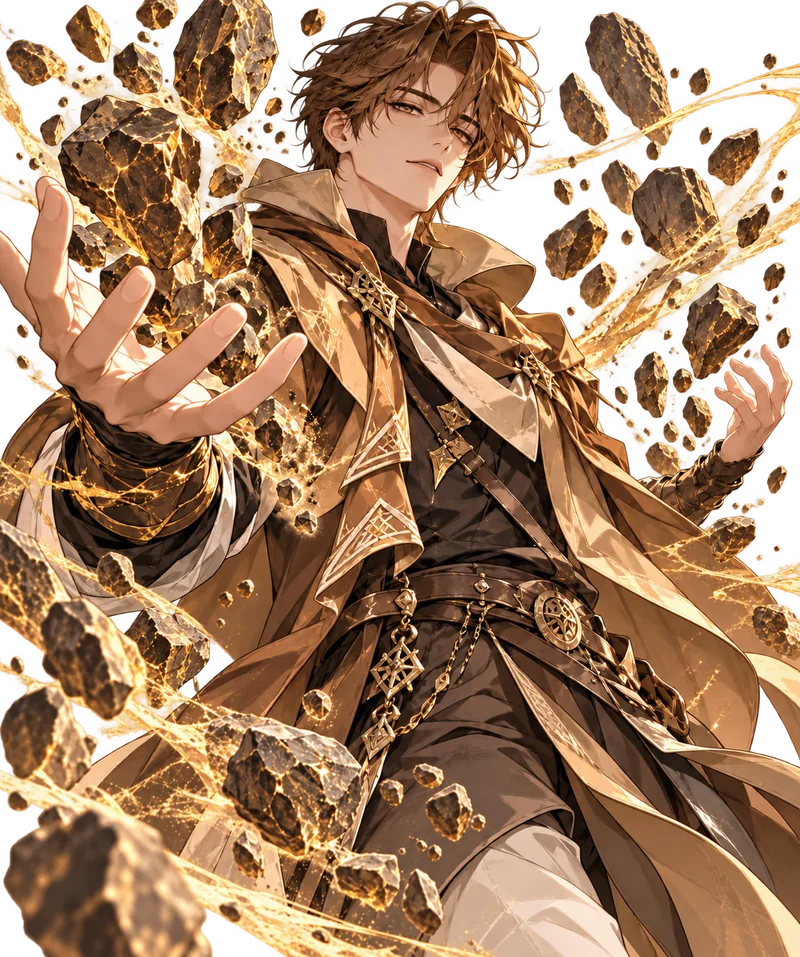
Write a Web Novel, Step by Step
→Follow one web novel, They Say I'm a Dark Mage, but All I'm Good At Is Digging Dirt, from first idea to ready-to-serialize in TypeTak.